Managing privacy requests
Once privacy requests have been submitted, they must be reviewed.
The data subject's location determines the regulation that applies and with it, the time limit for when a privacy request must be completed. This table descibes some of the timeframes for common privacy regulations:
| Regulation | Timeframe | Extension |
|---|---|---|
| GDPR (EEA & UK) | 28 days (one calendar month) | 56 days (three calendar month total) |
| US State Regulations | 45 days | 45 days (90 days total) |
| LGPD (Brazil) | 15 days | -- |
Exceptions
There are some situations where you may not be able to, or required to, complete a privacy request. It's important to know when these might apply and how to manage them. In each case you should evaluate the circumstances and risks for your specific organization to ensure you're complying at all times.
Legal obligation
There are certain categories of personal data that you may be required to retain in order to fulfill legal or compliance obligations. In such cases, you're permitted to retain that data in the event when an erasure request is received- provided you restrict the use of the data to that purpose.
Example: To correctly calculate and file tax liabilities, an e-commerce company, Cookie House, will need to use order history information and the user's location. If the customer makes a subject erasure request to Cookie House, the order history and zip code may be exempt from deletion provided they are used only to file taxes, and not for any other business purpose.
Confidentiality risk
In circumstances where returning data to a subject might reveal confidential or sensitive information about any organization or another individual, you're not required to return that specific piece of information.
Example: E-commerce company, Cookie House, provides an employment reference in confidence for one of their employees to another company. If the employee makes a subject access request to either company, the reference is exempt from disclosure.
Privacy request statuses
Each privacy request is assigned a status that reflects its current stage in the workflow:
| Status | Description |
|---|---|
| Identity Unverified | Request received from a user, but they have not completed the identity verification flow via email or SMS. |
| Pending | Request is ready for processing (verification complete or not required), but is awaiting approval or rejection in the Fides Admin UI. |
| Approved | Request has been approved in Fides (either automatically, or via the Admin UI) and will be enqueued for processing as soon as possible. |
| Denied | Request has been denied in Fides and the user has been notified. No further action required. |
| In Processing | Request was approved and has begun processing by executing all configured integrations. |
| Requires Input | Request began processing and is currently waiting for data to be manually input via the Fides Admin UI. |
| Paused | Request began processing but was paused by a policy webhook and is waiting to be resumed via a webhook. |
| Awaiting Email Send | Request began processing and is currently waiting for the next scheduled batch email send (weekly). |
| Complete | Request has completed all configured integrations, uploaded results to storage, and notified the user. |
| Requires Manual Finalization | Request has completed automated processing but requires manual finalization before it can be marked complete. |
| Pending External | Request is awaiting action from an external system, such as a Jira ticket. |
| Duplicate | Request has been identified as a duplicate of another privacy request. |
| Awaiting Pre-Approval | Request is awaiting responses from external pre-approval webhooks before it can proceed. See Pre-Approval Webhooks. |
| Pre-Approval Not Eligible | Pre-approval webhook(s) responded that the request is not eligible for automatic approval; manual review is required. |
| Canceled | Request was canceled via the Data Right Protocol (DRP) API. |
| Error | Request began processing and encountered an error in one or more integrations. |
Reviewing privacy requests
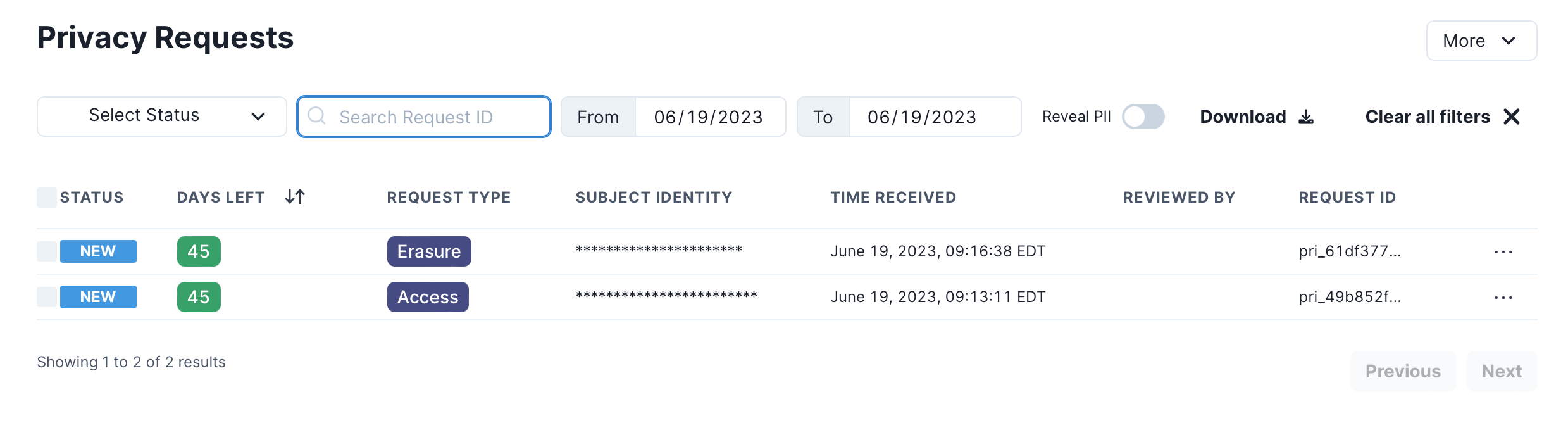
When privacy requests are received, they're registered in Fides as a New request available to view in the Request Manager :
Approving a request
A privacy request can be approved from the Request Manager or from the details panel of the privacy request.
To approve a request from the Request Manager, hover over the kebab menu ... for the request and click Approve:

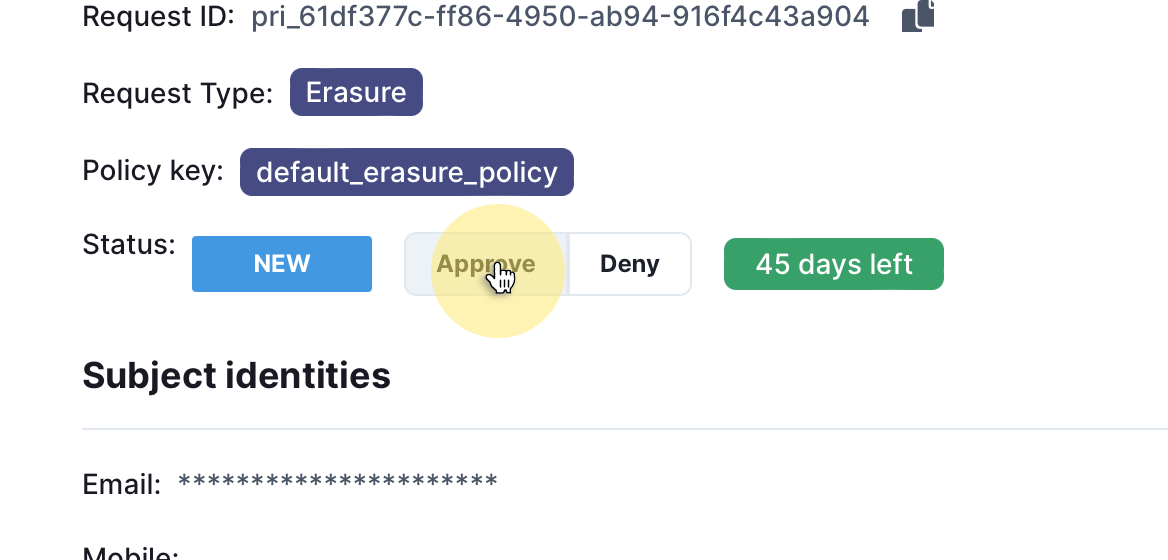
To approve a request from the request details page, click the Approve button:
After approval, the privacy request is processed using the configured Privacy Request Policy. When the request is complete, the data subject will be notified by email. If the request is an access request, the confirmation email will include a download link to retrieve a copy of their personal data.
Rejecting a request
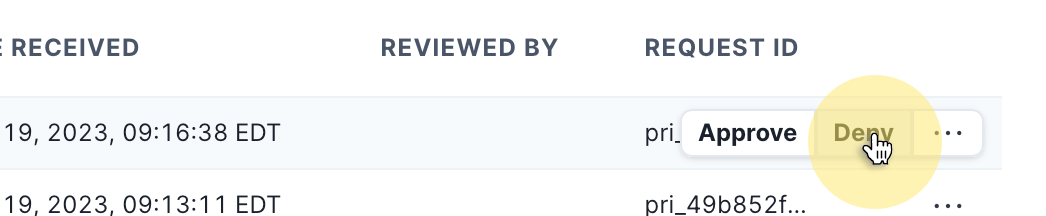
To reject a request from the Request Manager, hover over the kebab menu ... for the request and click Deny:
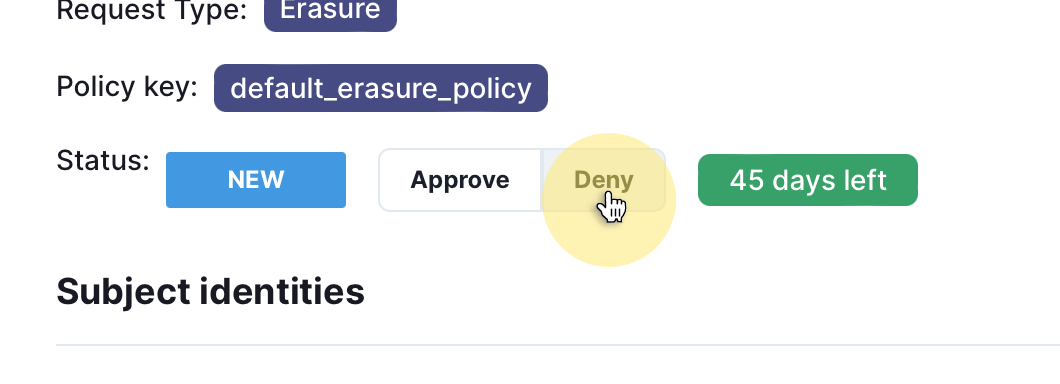
To reject a request from the request details page, click the Deny button:
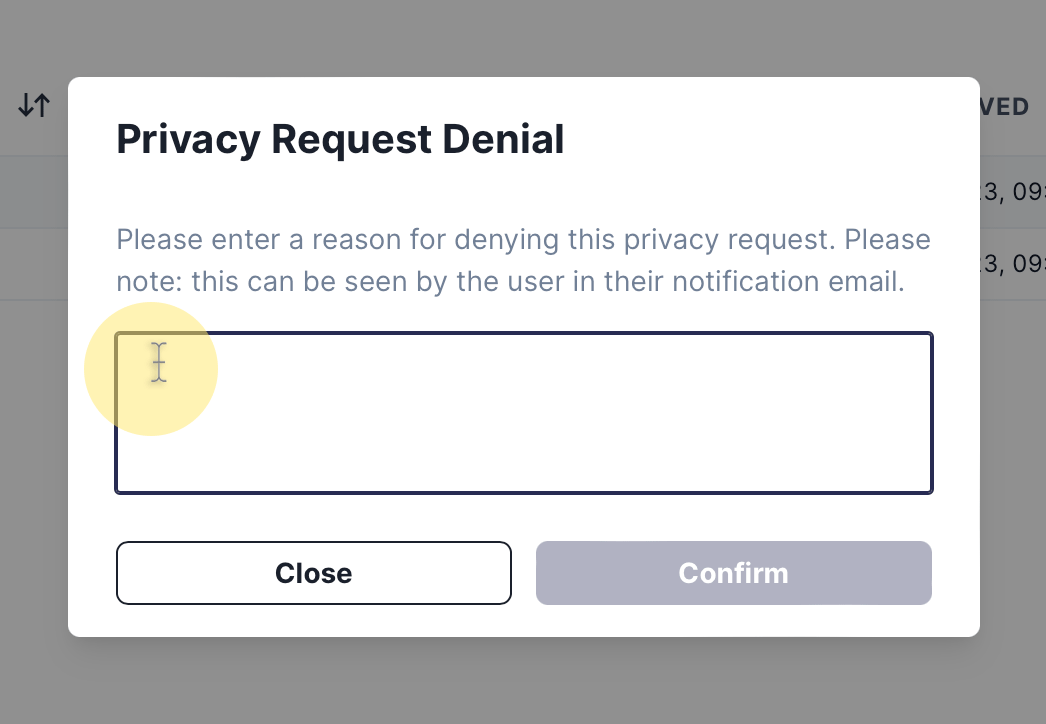
When rejecting a privacy request, you'll be prompted to provide a reason for the rejection. This reason is stored in the Fides audit trail for reporting purposes and also communicated to the subject via email.
Viewing request details
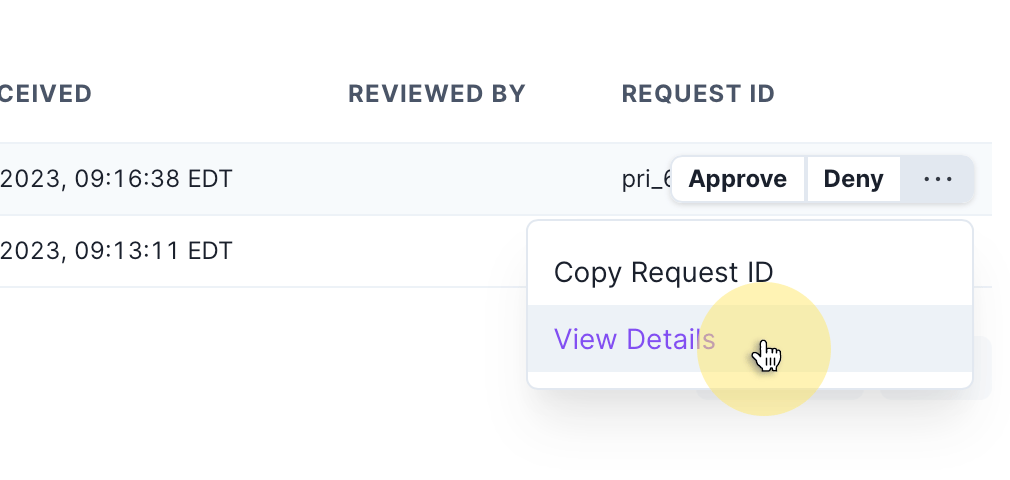
To view the details of a specific privacy request, click the kebab menu ... and select View Details:
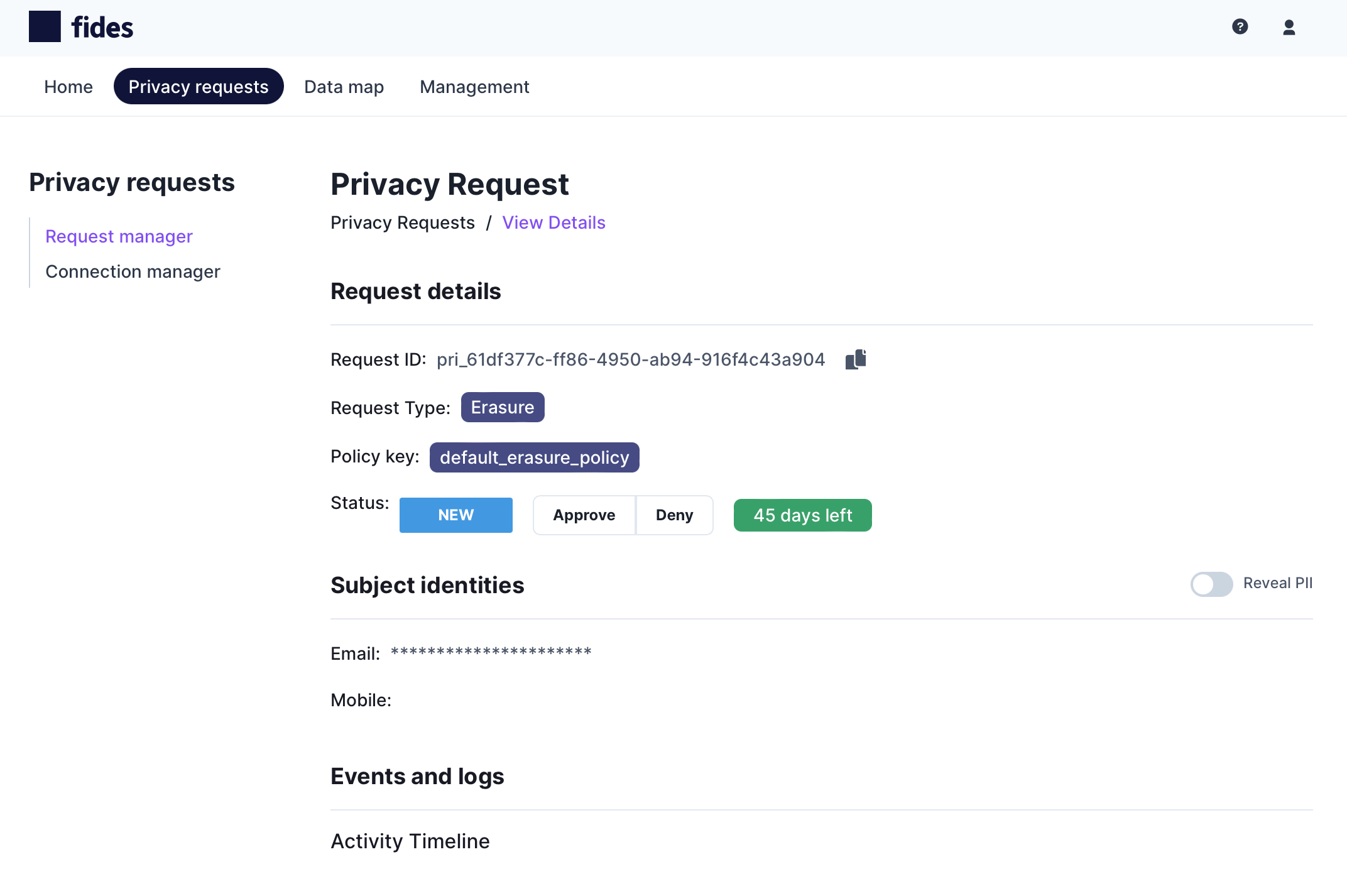
The Privacy Request Details page displays:
- Request ID: The unique ID for the privacy request.
- Request Type: The privacy request type, such as access or erasure.
- Policy Key: The privacy request policy being applied to the privacy request.
- Status: The current status of the privacy request, including a countdown timer by when the request must be completed.
- Subject Identities: The related identifiers for the subject that made the request.
- Events Log: An activity log related to the privacy request.
Exploring the Request Manager
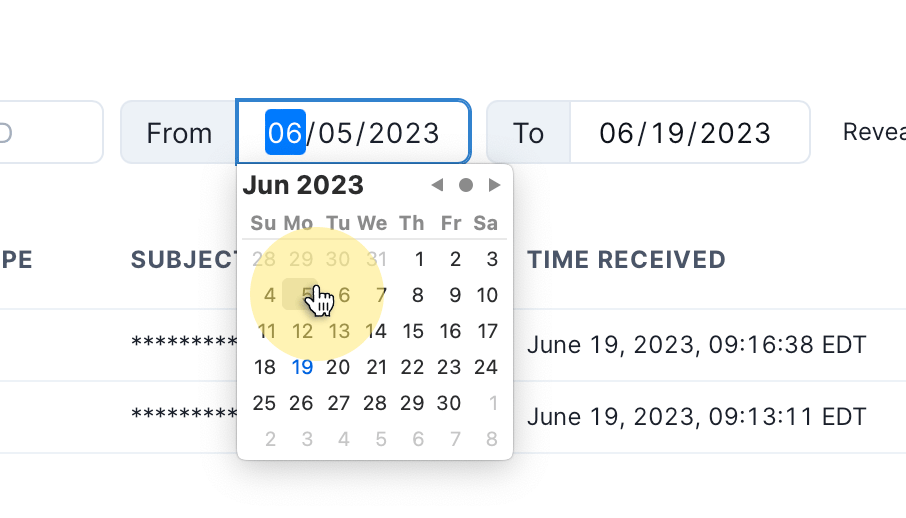
The privacy request admin panel features a set of controls to filter, search, and create reports.
Filtering requests
Privacy requests can be filtered by status or date range:
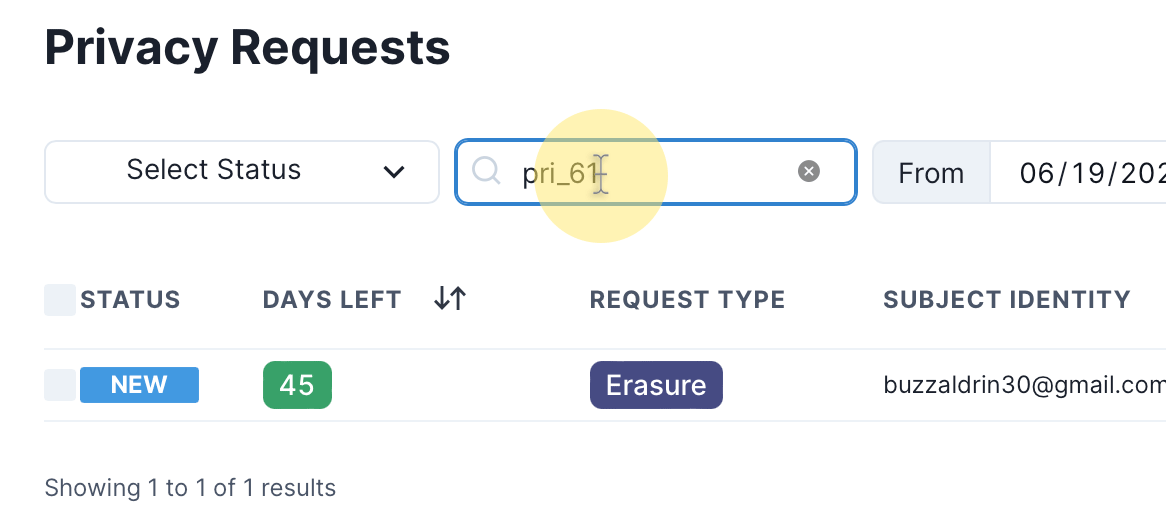
Each privacy request is assigned a uniquely identifiable Request ID and you can search for the request using this ID:
Reporting
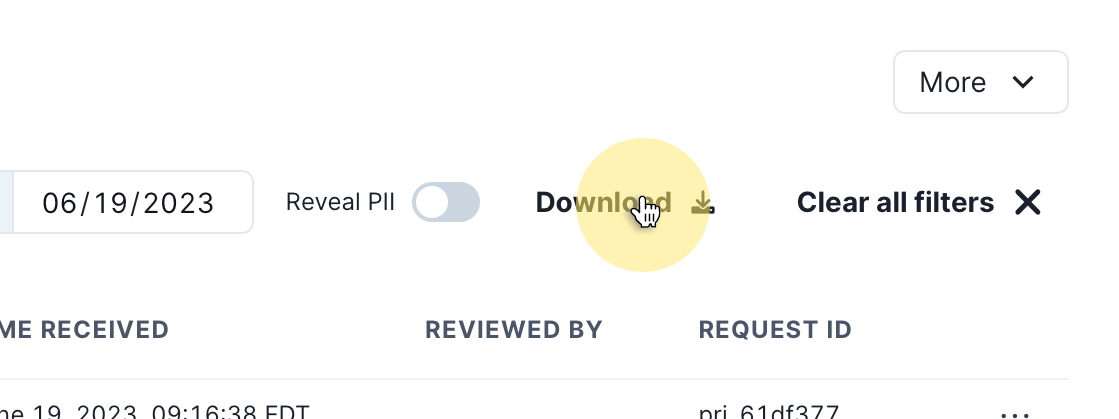
To download a report of the currently filtered view of privacy requests click the Download button.
Revealing personal identifiers
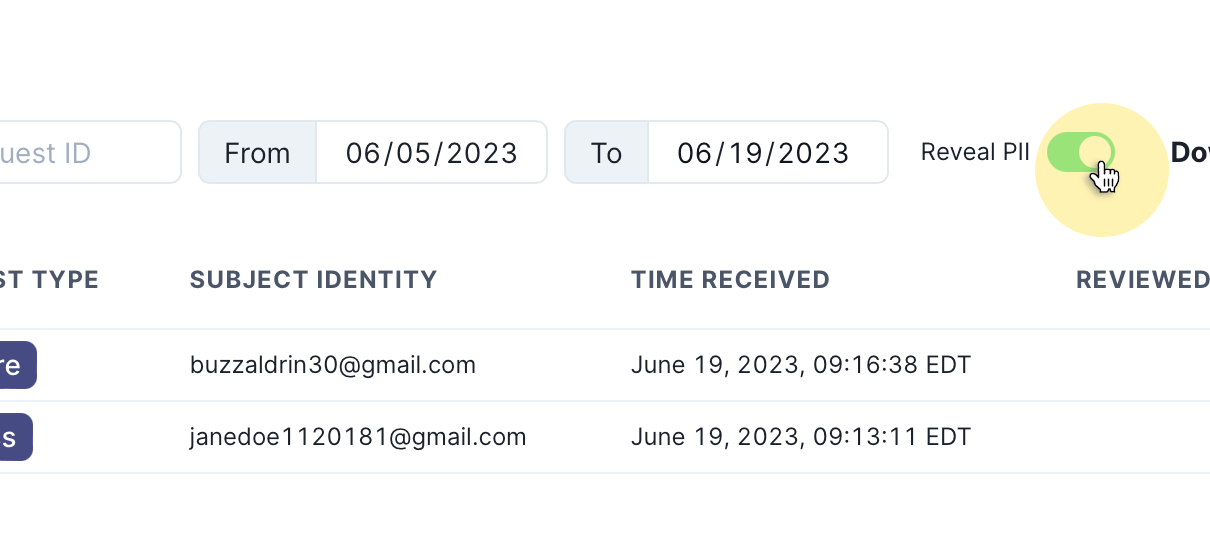
To minimize personal data risks, obfuscates personal identifiers in the UI by default. To reveal personal identifiers, you can toggle the Reveal PII switch as shown: